
Summarize with AI
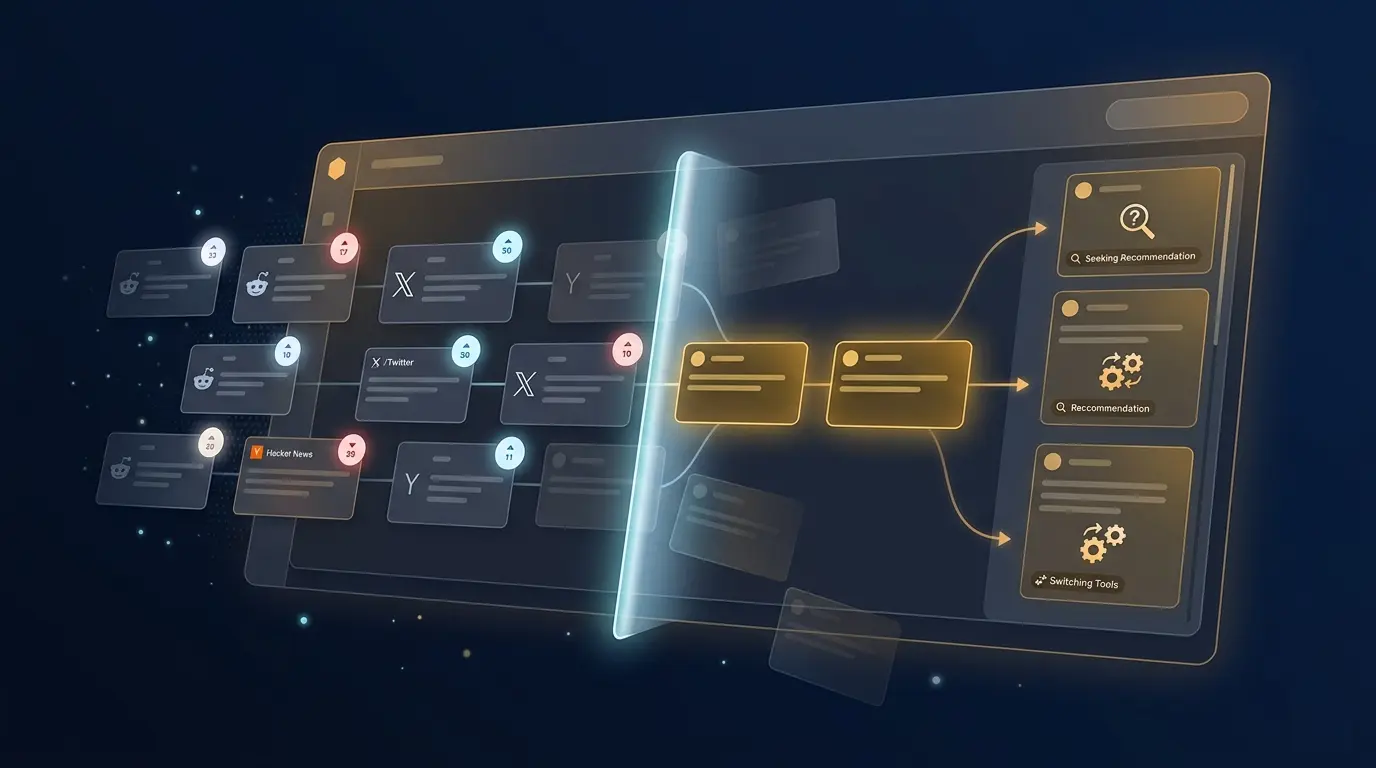
The Reddinbox Agent is a conversational research assistant. Think of it as a senior analyst who has instant access to Reddit and X (Twitter) ,you describe what you want to understand, and it goes out, finds real conversations, filters the noise, and comes back with structured insights backed by actual sources.
It is not a scheduling bot, not an auto-reply tool, and it never makes things up. Every claim it makes is grounded in real posts it retrieved during your conversation.
You'll find the Agent in the Conversations section of your dashboard. Each conversation is an independent research session ,you can start as many as you need.
Starting Your First Conversation
Open a new conversation and type your research question as if you were briefing a human analyst. You don't need to use keywords or boolean operators , plain language works best.
Examples of good opening messages:
- "What are the most common frustrations people have with project management tools on Reddit?"
- "Find recent discussions on r/entrepreneur about bootstrapping vs. raising VC money."
- "What do people on X say about Notion's pricing after their latest changes?"
- "I'm building a cold email tool. What pain points do founders mention when talking about outbound sales?"
After you send a message, the agent will run one or more searches, filter out irrelevant or low-quality posts, and return a structured response with inline citations linking back to the original threads.
The Agent's Three Tools
The agent has three capabilities it can use during a conversation. It picks the right one automatically, but knowing what each does helps you write better prompts.
Search
The core tool. Given a topic or question, it searches Reddit and/or X simultaneously using multiple natural-language queries. It handles the query formulation itself , you describe the research goal, not the search terms.
Good for:
- Discovering what people are saying about a topic across communities
- Finding pain points, opinions, or trends
- Comparing sentiment between Reddit and X audiences
You can guide it by specifying:
- A platform: "only look on Reddit" or "search X only"
- A subreddit: "focus on r/SaaS"
- A time range: "from the last month" or "all time"
Browse Community
Instead of searching by keyword, this tool browses a specific subreddit's feed directly , sorted by hot, new, top, rising, or controversial posts.
Good for:
- Getting a pulse on what a niche community is currently talking about
- Discovering recurring themes before you narrow your search
- Exploring an unfamiliar subreddit to see if it's relevant to your research
Example: "Browse r/personalfinance and show me what's trending this week."
Generate Report (Premium)
When you need more than a quick answer , a structured, shareable document with charts and cited sources , ask the agent to generate a report.
The agent won't start immediately. First, it will propose a research plan: a topic summary and 4–6 research angles it intends to cover. You review it, suggest changes, and confirm. Only after your confirmation does it kick off the full research process, which runs in the background.
Example trigger: "Generate a full report on the pain points indie developers talk about when building SaaS."
How to Write Better Queries
The agent is designed to handle natural language, but the quality of your prompt directly affects the depth of the insights.
Be specific about the problem, not just the subject
| Instead of... | Try... |
|---|---|
| "CRM tools" | "What do small business owners complain about with their CRM?" |
| "remote work" | "How do engineers on Reddit feel about mandatory return-to-office policies?" |
| "email marketing" | "What makes founders abandon their email marketing tool?" |
Add context
Tell the agent who you care about, what niche you're in, and any relevant timeframe. The more context you give, the more targeted the results.
"I'm building a tool for freelance designers. What are their biggest complaints about invoicing and getting paid on time? Focus on posts from the last 6 months."
Use follow-up messages to drill deeper
A conversation is iterative. Once you have an initial set of findings, ask the agent to go deeper on a specific thread:
- "The third point about onboarding friction is interesting , find more discussions about that specifically."
- "Now do the same search but on X and compare the sentiment."
- "Are there any subreddits where this topic is discussed more technically?"
Reading Agent Responses
Inline citations
Every insight includes a citation , a direct link to the original Reddit post or X thread the agent used to derive that point. If you want to verify a claim, follow the citation to the source.
Engagement metrics
The agent weights results by community engagement. A post with thousands of upvotes and hundreds of comments is a stronger signal than a post with 3. When the agent highlights something as a "widely validated pain point," it's because many people independently agreed with it.
Grouped findings
Rather than dumping a raw list of posts, the agent organizes findings into themes or patterns. This is intentional , it's synthesizing signal from noise, not just a search results page.
Generating a Report (Premium)
Reports are the right choice when you need to:
- Share research with a team or client
- Cover a topic exhaustively from multiple angles
- Get structured data visualizations (charts showing sentiment, topic frequency, etc.)
The workflow
- Ask for a report , mention "generate a report", "full analysis", or "deep dive" in your message.
- Review the plan , the agent proposes a topic summary and research angles. Read it carefully.
- Confirm or adjust , tell the agent to proceed, or ask it to change angles before it starts.
- Wait for generation , the report runs in the background. You'll see a status indicator in the conversation.
- Access the report , once complete, it appears in the Reports section of your dashboard.
Reports include section-by-section analysis, embedded charts, and a full list of source posts organized by research angle.
Note: Report generation is a premium feature. Free trial users can use the conversational search tools but cannot generate full reports.
Tips & Best Practices
- Start broad, then narrow. Open with a wide question to understand the landscape, then use follow-ups to zoom in on the most interesting threads.
- Specify the platform when it matters. Reddit and X audiences often have very different perspectives on the same topic. Searching both and comparing is useful; sometimes you only care about one.
- Use Browse Community before searching. If you're entering an unfamiliar niche, browse the relevant subreddit first to understand the vocabulary and recurring themes, then craft a more targeted search.
- Ask for time-based comparisons. "How has the conversation around X changed in the last year?" gives you trend context that a single search won't surface.
- Don't stop at the first response. The most valuable insights often come after two or three follow-up messages that dig into unexpected findings from the first pass.
Common Use Cases
Market research
"What are the most upvoted complaints about [category] tools on Reddit?" , Surfaces real user frustrations you can validate your product against.
Competitor intelligence
"What do users say about [competitor] on Reddit and X? Look for both praise and complaints." , Finds organic, unfiltered opinions from real customers.
Content ideation
"What questions do people in r/marketing ask most often?" , Reveals the exact language and problems your audience uses, perfect for blog posts, landing pages, or product messaging.
Lead discovery
"Find recent posts where people are actively asking for a tool that does [job-to-be-done]." , Surfaces warm prospects who have already identified a need and are looking for solutions.
Trend spotting
"What topics are gaining traction in r/webdev this month compared to last month?" , Helps you stay ahead of emerging conversations in your space.